I hear this one all the time, usually right after someone signs up for a fast internet plan.
"AT&T already gave me a WiFi router. Why would I need anything else?"
It is a good question because, in some houses, you may not need anything else at all.
If the router from your internet provider gives you reliable WiFi everywhere in the house, your TVs stream without buffering, your phones stay connected, your cameras do not drop offline, and nobody is complaining, keep using it.
There is no reason to replace something that is doing its job.
The problem starts when homeowners think fast internet and good WiFi are the same thing. You can have very fast internet coming into the house and still have terrible WiFi in the rooms where you actually need it.
The Internet Speed Is Only One Piece
Your internet service is the connection coming into the house.
Your WiFi is how that connection gets from the router to your phone, laptop, TV, camera, doorbell, thermostat, speaker, or whatever else is connected.
Those are two different things.
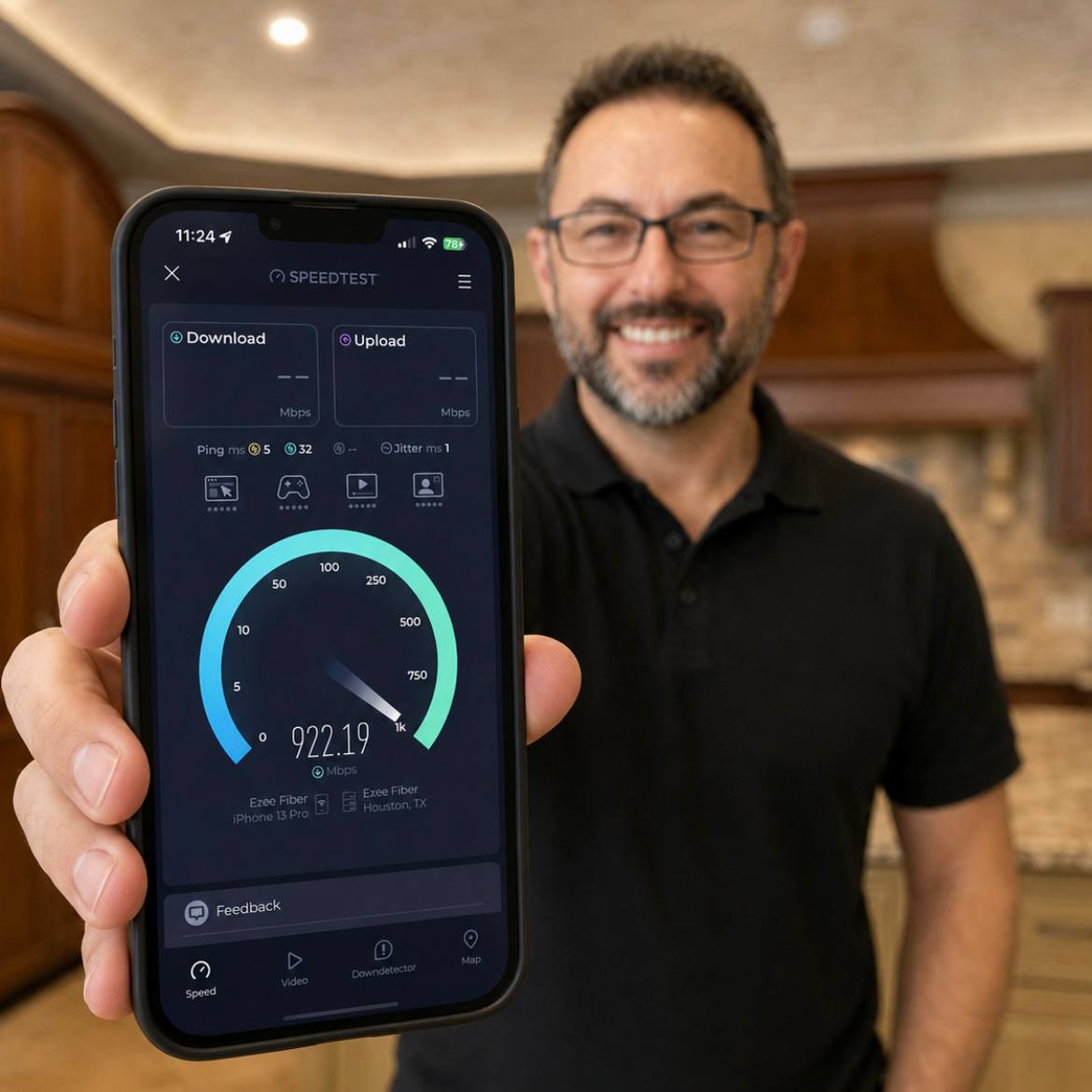
A speed test right next to the router might look great. You might see 800 or 900 Mbps and think everything is solved. But that does not tell you what is happening in the upstairs bedroom, the home office, the back patio, or the TV on the other side of the house.
That is usually where the frustration shows up.
Someone is on a video call and the connection drops. A bedroom TV buffers even though you pay for fast internet. A camera goes offline. The patio has weak coverage. The kids complain that the game room WiFi is bad.
At that point, buying a faster internet plan may not fix it.
More speed at the front of the house does not automatically create better coverage at the back of the house.
One Router Can Only Do So Much
The router from your provider is usually trying to do everything from one location.
Sometimes that location is fine.
Other times it is in a closet, utility room, office, cabinet, garage wall, or wherever the service happened to enter the house. That may be convenient for the installer, but it may not be the best place to cover the home.
WiFi does not move through every house the same way.
Walls, floors, mirrors, metal, masonry, appliances, cabinets, and fireplaces can all weaken or redirect the signal. A smaller two-story house with dense construction can be harder to cover than a larger one-story home with a more open layout.
Custom homes can make this even more important. You may have thicker walls, large kitchens, outdoor living areas, stone fireplaces, smart home equipment, cameras, gates, and multiple TVs all depending on the network.
That is a lot to ask from one box in one corner of the house.
The Number of Devices Keeps Growing
Most people have more connected devices than they realize.
Start counting phones, tablets, laptops, TVs, streaming boxes, game systems, cameras, video doorbells, thermostats, speakers, printers, lighting controls, appliances, and smart home devices.
It adds up quickly.
Each one expects the network to be there when it needs it. Some are used heavily. Some sit quietly in the background. Some only become obvious when they stop working.
That is why a WiFi system should be planned around real use, not just a speed-test number.
If the home has multiple people streaming, working, gaming, using cameras, and controlling smart home equipment at the same time, the network needs to be more predictable than "the router is somewhere in the house and we hope it reaches."
More Equipment Is Not Always the Answer Either
This is the part people miss.
Buying more WiFi equipment does not automatically fix the problem.
Placement matters.
If every WiFi point is hidden in a bad location, stuffed in a cabinet, placed behind metal, or clustered on one side of the house, the system can still perform poorly.
In a new build or remodel, I would rather plan the locations early. That way we can put WiFi points where they actually help, run wiring to them, and avoid making the finished house look like a pile of add-on devices.
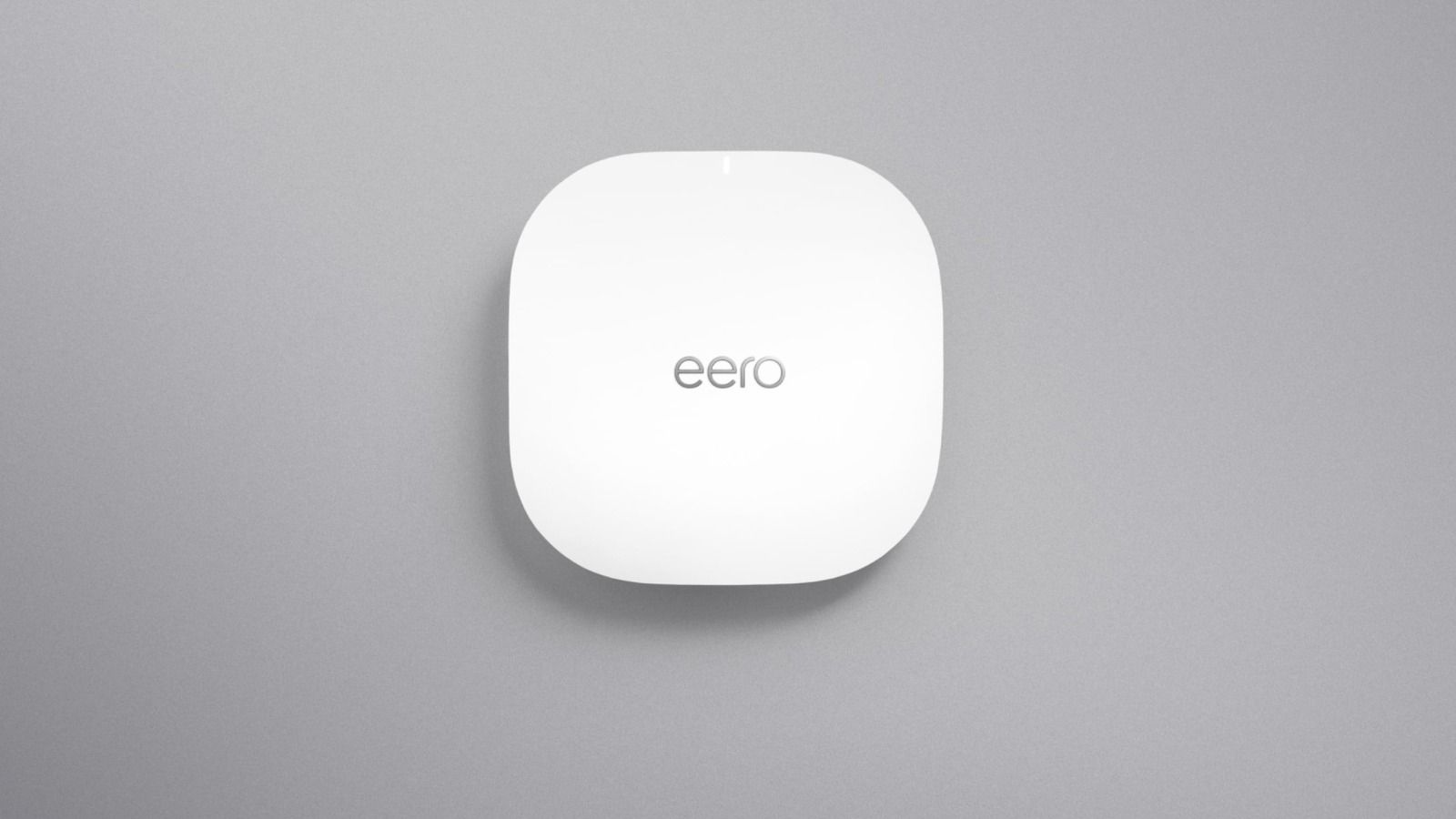
Wired WiFi points usually give a more predictable result because each point has a solid connection back to the network. Wireless mesh systems can be useful when wiring is difficult, but if we have the chance to wire things correctly, I prefer to do it.
Wiring also lets us take fixed devices off WiFi when it makes sense. TVs, computers, cameras, and other equipment can often be wired directly. That leaves WiFi for the devices that actually need to be wireless.
When the Free Router Is Enough
If your home is smaller, the router is in a good central location, the construction is not fighting the signal, and everything works, the provider router may be enough.
That is a good outcome.
Do not replace it just because someone told you a better system exists.
The time to look at something better is when the house has known problem areas, when the router is badly located, when you are building or remodeling, when outdoor spaces need coverage, or when the network supports cameras, smart home systems, work-from-home needs, or a lot of streaming devices.
That is when planning matters.
ETG is not trying to add equipment for no reason. We are trying to make the network reliable in the places where your family actually uses it.
That may mean multiple WiFi points. It may mean better placement. It may mean wiring key locations. It may mean moving equipment out of a poor location. Sometimes it is a combination.
The goal is not a bigger pile of technology.
The goal is WiFi that stops being something you have to think about.
If you are tired of fighting with your WiFi, send me a message. I can take a look at what you have and tell you if you actually need something better.