By Executive Technology Group | 20+ Years of Experience in High-Performance Networking
When it comes to competitive gaming, milliseconds matter. A lag spike at the wrong time can be the difference between a win and a rage quit. At Executive Technology Group, we've spent over two decades helping serious gamers and casual players alike build rock-solid internet setups that deliver speed, reliability, and a smoother gaming experience across every platform.
If you're looking to upgrade your connection and eliminate lag once and for all, here's how to do it right:
1. Ditch Wi-Fi When You Can-Go Wired
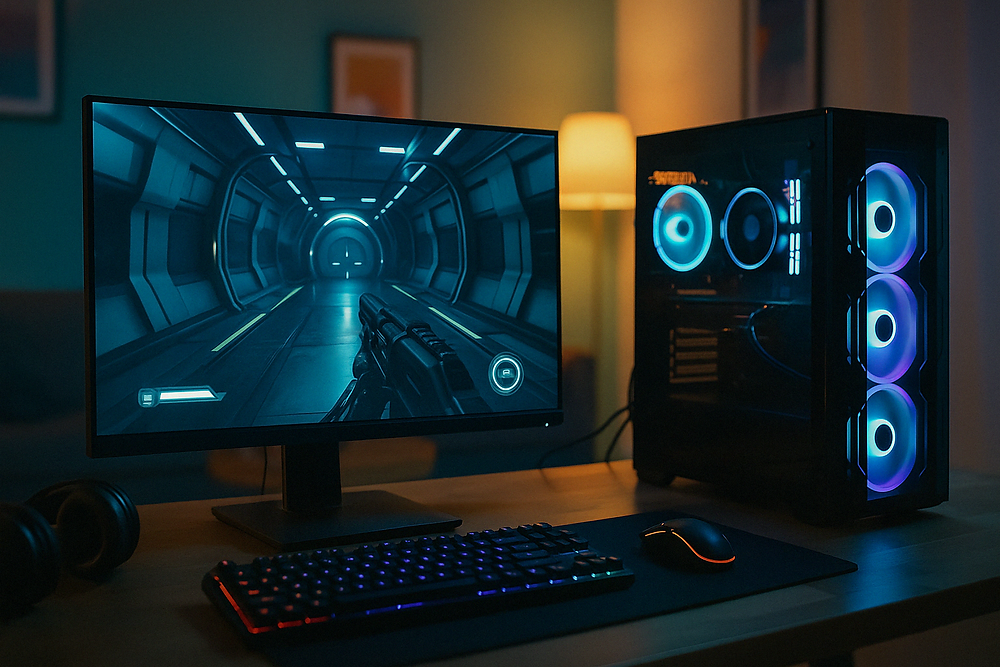
A direct Ethernet connection is still the gold standard for gaming. It delivers the lowest latency, the most stable connection, and avoids interference from walls, microwaves, or neighbors' Wi-Fi.
If your gaming rig is far from your router, ETG can run clean, hidden CAT6 cabling through walls, attics, or under floors to bring a wired connection directly to your console or PC-no mess, no clutter.
2. Upgrade Your Router and Network Hardware
Not all routers are created equal. Gaming requires hardware that can handle high-speed, low-latency demands without slowing down the rest of your household.
We recommend:
- Professional and commercial grade routers (avoid consumer all-in-one models)
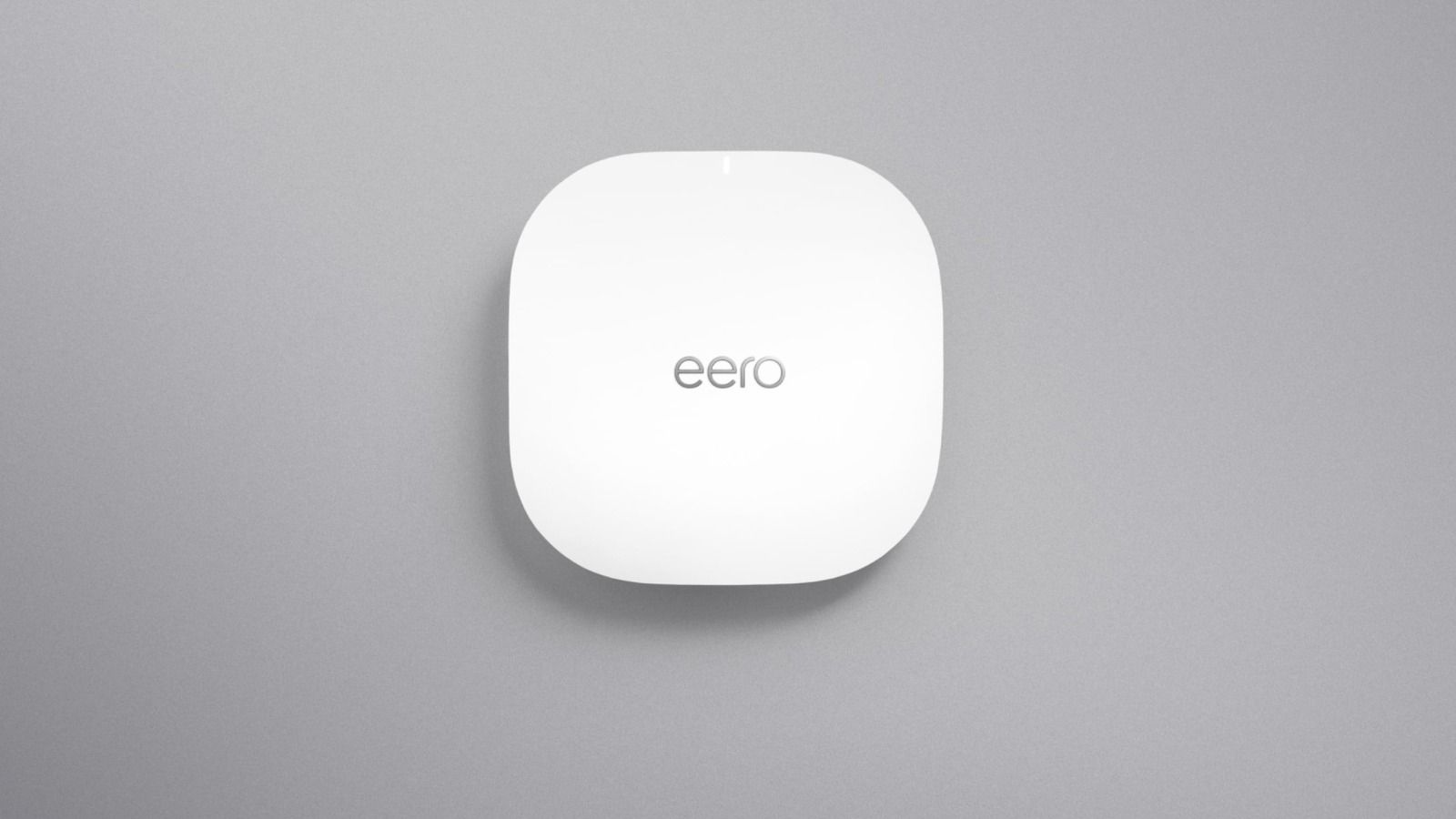
- Wi-Fi 7 mesh networks or separate, strategically placed access points for Wi-Fi as an alternative when cabling isn't possible
- If you use a WI-Fi 7 mesh network, plug your gaming system directly into a mesh node.
Not sure what internet speed you actually need for gaming, streaming, and multi-device households? Check out our article on How Fast Does My Internet Need to Be? for a breakdown of speed tiers and what they can (and can't) handle.
3. Control Your Network with QoS
Quality of Service (QoS) lets you prioritize traffic to your gaming device, so your roommate's Netflix binge or Zoom call doesn't mess with your match.
We configure QoS settings during installation so your console or PC gets first dibs on bandwidth when it matters most.
4. Eliminate Wi-Fi Dead Zones
If you must use Wi-Fi, mesh networks and ceiling-mounted access points make a huge difference. But beware: cheap mesh systems often add latency, not speed.
For a deeper dive into how seamless networking can transform your home-not just for gaming, but for smart home devices, remote work, and streaming-read our post on The Power of Seamless Networking: Why Reliable Wi-Fi Is a Must for Modern Homes.
5. Boost Your Speed at the Source
Most lag issues begin with your ISP. If you're on a budget plan or using an old modem, you're already at a disadvantage.
ETG can:
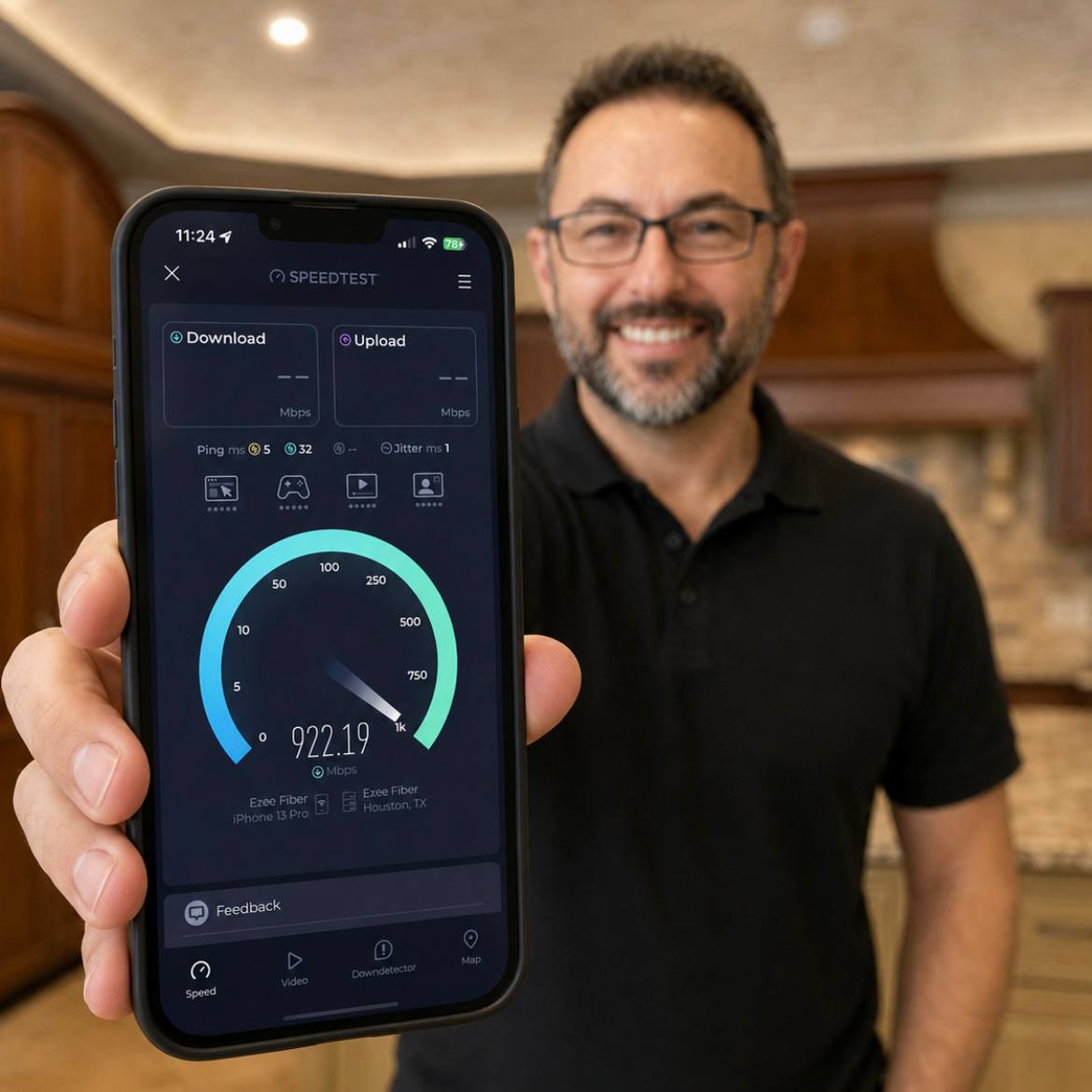
- Audit your current internet plan vs. real-world speeds
- Recommend the best ISPs in your area for gaming
- Install DOCSIS 3.1 modems or fiber gateways to unlock full speeds
6. Monitor and Maintain Performance
You wouldn't skip oil changes on a sports car-your network needs upkeep too. We offer remote support, firmware updates, and performance tuning as part of our service plans.
Final Thoughts: Stop Losing to Lag
Whether you're dropping into Warzone, raiding in Destiny, or just trying to keep up in Rocket League, don't let your network hold you back. We specialize in premium home networking that's built for gamers, streamers, and digital creators.
Based in Houston | Trusted by Homeowners and Builders Alike
Full-Service Installation | Custom Gaming Network Design
Call Us: 281-826-1880
Get Started Today: executivetechnologygroup.com/contact
Your Vision. Our Technology. Flawlessly Connected.