A smart lock works well only when the door, hardware, power, network, and daily access plan agree. In a Houston custom home, those decisions should be made before the door package, gate equipment, electrical scope, and low-voltage pathways are final.
The front door may get most of the attention, but it is only one opening. The family may enter through the garage. A housekeeper may use a service door. Guests may stop at a driveway gate. A detached garage or pool house may need a different access method from the main residence. Each opening needs a clear job before anyone picks a lock or keypad.
ETG treats entry as a coordinated system. That means reviewing how people arrive, which doors and gates they use, what happens when power or internet service fails, and who will support the system after move-in.
Start With Who Needs Access and Where
Begin with people and routines, not an app. List the residents, regular guests, household staff, service providers, delivery needs, and any property-management role. Then trace the paths they actually use.
For each person or group, decide:
- Which gate or door should they use?
- Should access be permanent, scheduled, temporary, or one-time?
- Is a key, code, mobile credential, fob, remote, vehicle tag, or call from an intercom appropriate?
- Does the homeowner need a record or alert when that opening is used?
- Who can add, change, or remove access after the home is occupied?
This exercise often changes the device plan. A door used twice a year may not need the same electronics as the mudroom entry used ten times a day. A cleaner may need a scheduled code without access to every exterior door. A guest at the driveway gate may need a simple call-and-release experience instead of another app.
Create an opening list that includes the front entry, garage-to-house door, mudroom, side and service doors, detached buildings, pedestrian gate, driveway gate, and any controlled interior rooms. Assign each one an opening number that matches the architectural door schedule. That number should follow the hardware, wiring, programming, and test records for the rest of the project.
Match Each Opening to the Right Access Method
Not every exterior opening needs the same kind of smart lock. Start with the physical door and the security function, then choose the access method.
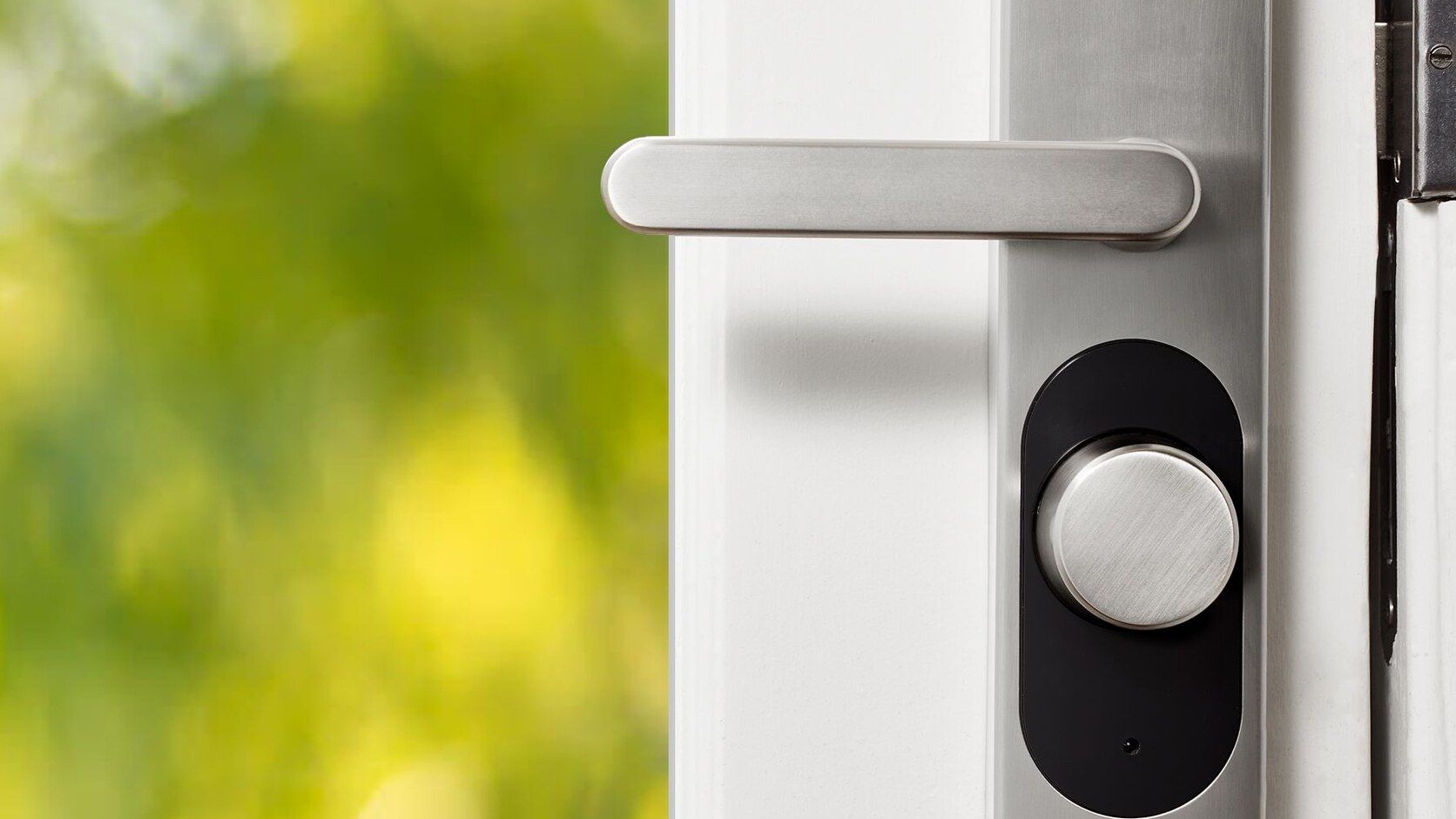
A standard residential door may be a good fit for an electronic deadbolt or lever. A narrow-stile metal door, large pivot door, multipoint lock, or custom steel entry can require very different hardware. A gated drive may use an operator, intercom, vehicle credential, and separate pedestrian hardware. The cleanest control experience is not always one identical device everywhere.
ETG looks for a practical mix:
- A fast daily method for residents
- A clear backup method that does not depend on the internet
- Temporary or scheduled access for trusted visitors
- A simple guest experience at the gate and front entry
- A defined way to revoke a lost phone, fob, remote, or code
- Interfaces the whole household can understand
The mobile app matters, but it should not decide the entire hardware package. A lock that looks good in a product photo can still be wrong for the door prep, weather exposure, network, automation platform, or service expectations. Compatibility should be confirmed from the exact product documentation, not assumed from a logo on a box.
Check the Door, Frame, and Hardware Before Ordering
The lock selection belongs in the same conversation as the door and hardware schedule. Waiting until trim-out can create a device that protrudes into glass, conflicts with a pull handle, misses the prepared holes, or does not fit the door construction.
Before approving a controlled opening, the project team should confirm:
- Door material, thickness, handing, and swing
- Frame material and the available space for a strike or power transfer
- Bore, backset, mortise, multipoint, or narrow-stile preparation
- Lever, pull, deadbolt, closer, hinge, and latch details
- Sidelights, glass, trim, weather seals, and decorative panels near the hardware
- Interior and exterior finish requirements
- Exposure to rain, heat, humidity, and direct sun
- The required lock function and the mechanical backup method
Use the exact door-prep template and installation instructions for the selected model. A generic note that says “smart lock by owner” does not tell the door manufacturer what to prepare or the electrician and integrator what to support.
For unusual doors, review a physical sample or a full-scale hardware elevation before production. The expensive mistake is not just ordering the wrong lock. It is discovering after delivery that the door, frame, glass, finish, and electronics were never checked as one assembly.
Plan Power, Data, and Concealed Pathways
Battery-powered hardware and wired electrified hardware have different needs.
A battery lock may not require a cable in the door, but it still needs the correct prep, dependable wireless coverage if connected features are expected, a battery-maintenance plan, and a way into the home if the battery is dead. Confirm whether everyday locking and unlocking still works locally when the network or cloud service is unavailable.
Wired hardware can involve a power supply, frame wiring, an electrical hinge or concealed power-transfer device, and a raceway inside the door between the hinge side and the lock preparation. Those details need to be shown before the door and frame are fabricated. The power supply also needs a serviceable location, the right capacity for the approved hardware, and clear ownership between the electrician, door-hardware contractor, gate contractor, and integrator.
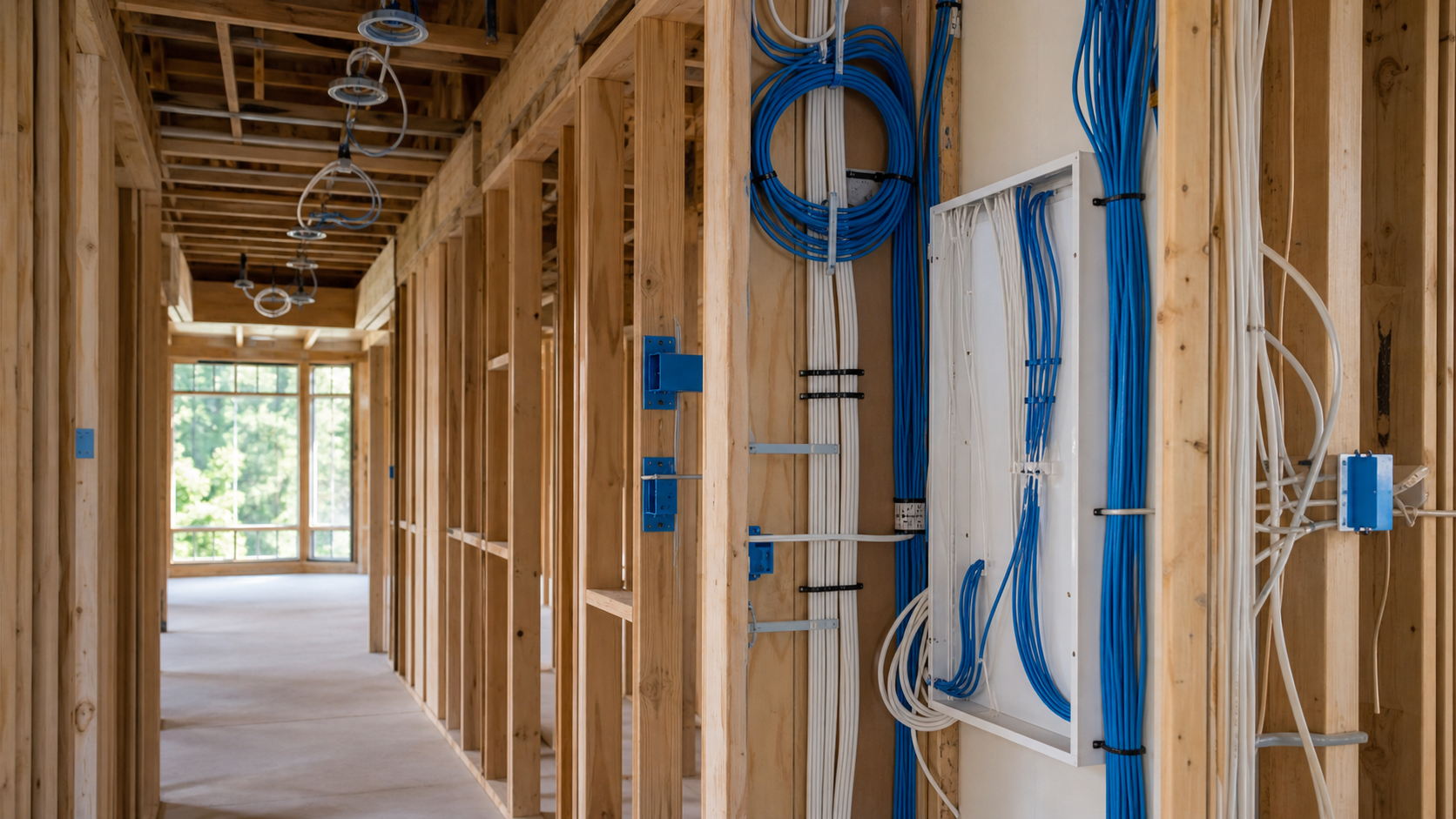
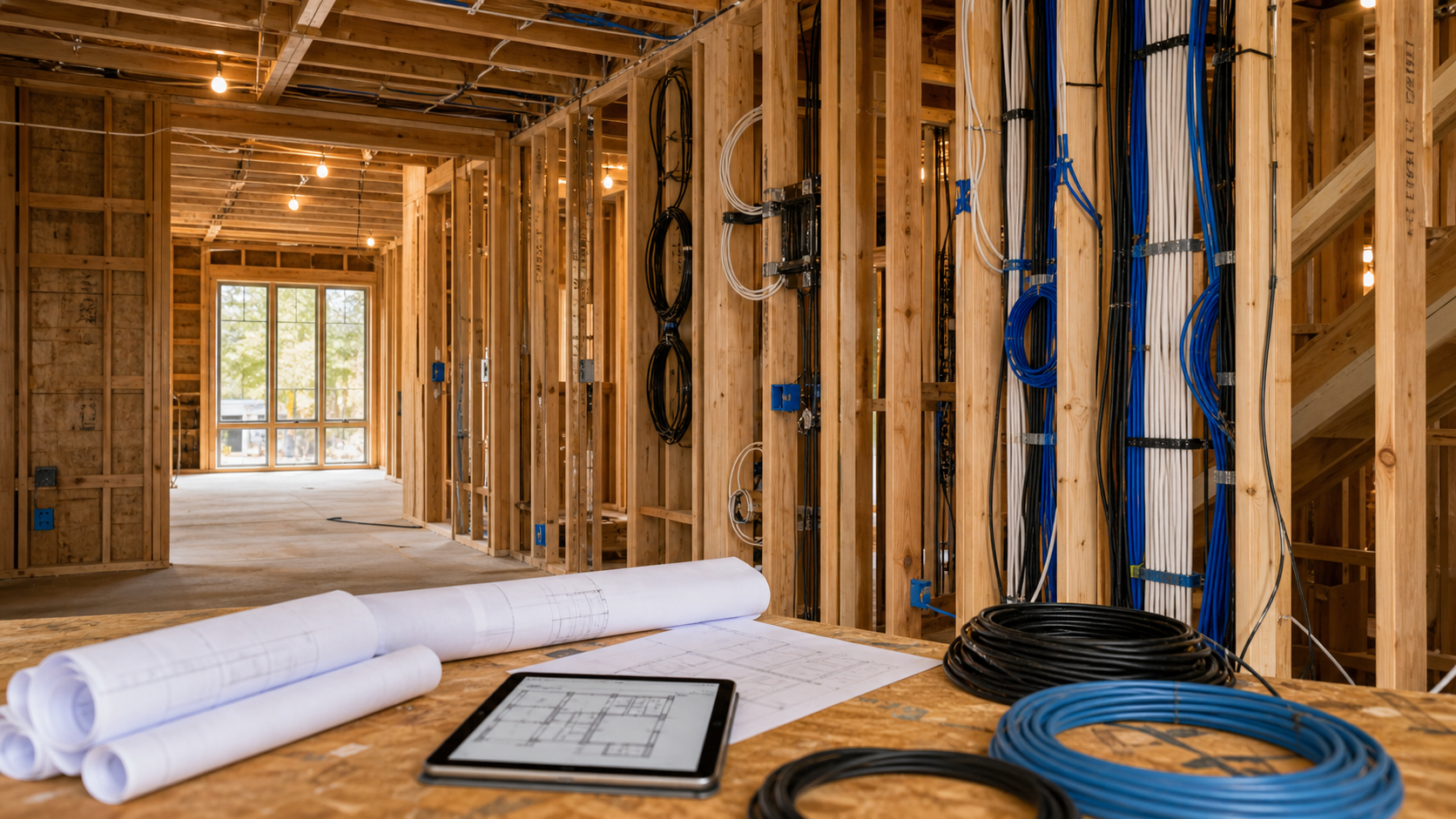
For new construction, review pathways for:
- Power and low-voltage cabling to controlled doors
- A concealed transfer point between the frame and moving door
- Door or frame raceways required by the selected hardware
- Intercom, keypad, reader, door contact, request-to-exit, and camera locations
- Network coverage at exterior doors, detached buildings, and the gate
- Service access to power supplies, controllers, and network equipment
- Spare conduit where planting beds, masonry, or finished ceilings will block future access
Line-voltage work, grounding, required separation, and code compliance remain with the electrician and other licensed trades. ETG defines the technology scope early and gives those trades the coordination points they need.
Treat the Driveway Gate as Separate Infrastructure
A driveway gate belongs in its own line item. Unlike a front-door lock, it combines moving equipment with outdoor power, communications, safety devices, drainage, weather exposure, and a long service path.
Plan the gate with the civil, site, electrical, masonry, security, and gate teams while the entry layout is still flexible. Review:
- Gate type, travel, operator location, and maintenance access
- Dedicated power and the route from the electrical source
- Communications conduit from the house or equipment location
- Intercom pedestal position, mounting height, and driver reach
- Vehicle credentials, remotes, keypads, and guest call flow
- Pedestrian access and the hardware on any walk gate
- Camera view, lighting, and the effect of headlights at night
- Drainage, irrigation, planting, and possible excavation conflicts
- Safety sensors, edges, loops, signs, and other protections required by the selected operator and local authority
- Backup operation during a power or communications outage
Automatic gate safety cannot be treated as an automation preference. The qualified gate installer should follow the operator manufacturer's instructions and applicable requirements, with the local code authority involved where required. ETG can coordinate the communication, camera, credential, network, and control pieces without replacing the gate contractor's safety responsibility.
Long outdoor runs need a named communications plan. The options can include copper, fiber, or a wireless bridge, with surge and grounding needs reviewed alongside the route. There is no standard choice. Distance, available conduit, lightning exposure, serviceability, and the approved equipment settle it.
Coordinate Locks, Intercoms, Cameras, and Lighting
Entry feels simple only when the pieces agree. An intercom call needs to reach someone who can make sense of it, with useful audio and video. One tap should release the intended gate or door, not a similarly named opening. At night, the camera and entry lighting have to help each other. The homeowner also needs to know where to answer, what unlock will do, and whether the visitor has a second controlled entry ahead.
Map the complete visitor flow:
- Arrival at the driveway or pedestrian gate
- A call button that is obvious at night
- Useful audio, video, and the correct opening name in the notification
- One clear action that releases the intended gate or door
- An understandable path from the gate to the next entry
- Logging and alerts limited to what the homeowner actually wants
Then test the same flow for family, staff, deliveries, and emergency access. This is where unnecessary app switching and unclear device names become obvious.
ETG also checks how access fits the broader smart-home automation plan. An arrival routine might turn on selected lights or notify the homeowner, but basic entry should remain understandable without a complicated scene. The Security & Access scope should support the household, not turn every doorway into a control panel.
Decide What Happens When Something Fails
Every access plan needs a failure conversation before final approval.
Walk through these conditions:
- The lock battery is dead.
- Utility power is out.
- The home network is down.
- Internet service is unavailable.
- A cloud service or mobile app cannot be reached.
- A phone, fob, remote, or code is lost or compromised.
- The gate cannot move normally.
- A device is replaced and must be enrolled again.
For each condition, write down what still works, who is notified, how a resident gets in, and who provides service. Keep a mechanical or local backup where the approved design calls for one. Document battery types, replacement responsibility, backup-power coverage, and the location of manual releases or keys.
Do not choose fail-safe, fail-secure, egress, or fire-door behavior from an online checklist. Those decisions depend on the opening and applicable requirements. They belong with the qualified door-hardware consultant, gate installer, architect, electrician, fire and life-safety professionals, and local authority responsible for the project.
Protect Credentials and System Ownership
Connected entry products should have a clear owner before handoff. The homeowner should know which account controls the locks, intercom, gate, and notifications. Installer access should be documented and limited to what is required for support.
During commissioning, ETG reviews:
- Which homeowner account owns each platform
- Who can create and revoke users or codes
- Whether shared installer credentials need to be removed
- How multifactor authentication and recovery are handled when supported
- What device and controller updates are available
- Which notifications are useful enough to keep enabled
- How the system will be supported if a phone, router, controller, or lock is replaced
Avoid permanent family use of a single shared code when the selected system supports individual credentials. Unique access makes it easier to remove one person without changing the experience for everyone else. Keep recovery details in the homeowner's secure records, not on a label beside the equipment.
Document and Test the System Before Handoff
The final record should make the installation understandable to someone who was not present during construction.
For every controlled opening, preserve:
- Opening number and location
- Door and frame type
- Approved hardware set and finish
- Device manufacturer, model, and serial number where useful
- Door-prep template and approved submittal
- Power, data, transfer, and pathway details
- Access methods and credential owner
- Expected behavior during power and network failures
- Responsible installer and support contact
- Final test date, result, and unresolved items
Photograph concealed pathways and door-frame preparations before they disappear. Label power supplies, controllers, conduits, and field wiring. Test the daily entry paths, temporary access, remote release, notifications, mechanical backup, outage behavior, and gate safety functions with the responsible trades present.
The homeowner should receive a short operating session and a clean support path. The project is not finished because the app opened the front door once. It is finished when the household can use the common paths, manage access, recover from ordinary failures, and know whom to call.
When to Bring ETG Into the Project
The best time is before the door and hardware package, electrical rough-in, gate infrastructure, and exterior hardscape are locked. ETG can review the access schedule, coordinate technology requirements with the project team, and help protect the finished architecture from late device changes.
For a custom home, send the current floor plans, door and hardware schedule, gate layout, reflected ceiling and lighting plans near the entries, site plan, and any products already under consideration. ETG can mark the questions that need answers before fabrication and rough-in.
Builders and designers can review ETG's custom-home planning approach. Homeowners and project teams can also contact ETG before the entry hardware and pathways become change orders.
FAQs
When should smart locks be selected for a custom home?
Select the access approach before the door and hardware package is released. The exact model should be confirmed early enough for the door manufacturer, hardware consultant, electrician, gate contractor, and integrator to coordinate prep, power, pathways, finish, and control.
Does every exterior door need a smart lock?
No. Start with how each opening is used. Some doors need connected access, while others are better served by mechanical hardware or a simpler local device. Consistency matters, but forcing identical electronics onto different door types can create more problems than it solves.
Does a battery smart lock need prewire?
Often it does not need a cable in the door. It still needs exact door preparation, wireless coverage if connected features are required, a battery plan, and a tested way to enter if the battery, network, or internet service is unavailable.
Can the gate and front door use one app?
Sometimes, if the selected products and control platform support the required functions. Confirm that compatibility before ordering. A reliable two-step experience is better than a forced integration that loses important gate, intercom, or lock features.
Who decides how an electrified door behaves during an emergency?
The answer depends on the opening, hardware, occupancy, and applicable requirements. The qualified door-hardware, gate, electrical, architectural, fire and life-safety, and code professionals on the project should approve that behavior. It should also be documented and tested before handoff.